
AI transcription & meeting notes
 AI transcription & meeting notes
Turn voice, meetings & video into smart AI notes
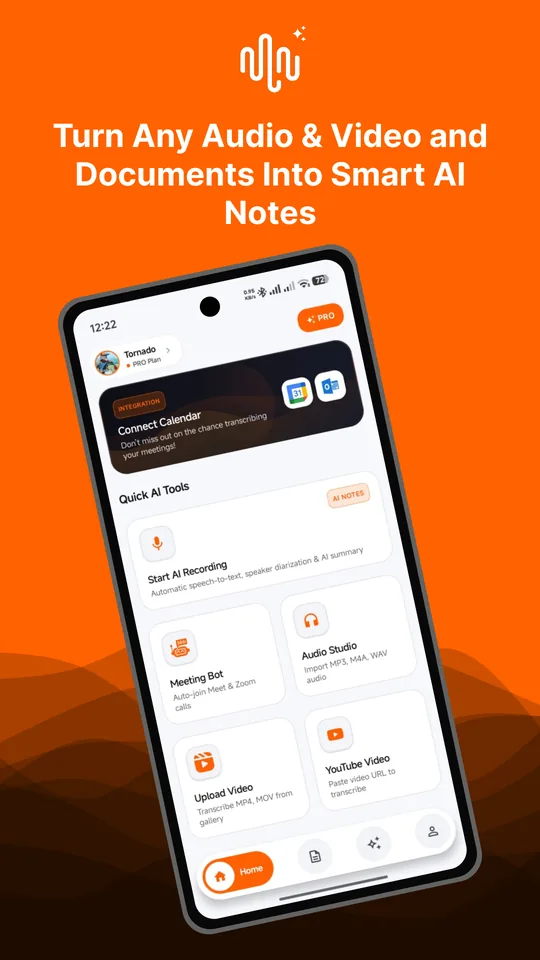
Record or import audio and Sottovo Note transcribes it, then writes a clear summary with the key points and action items. No typing, no replaying.

Free to start · 99 languages · Android
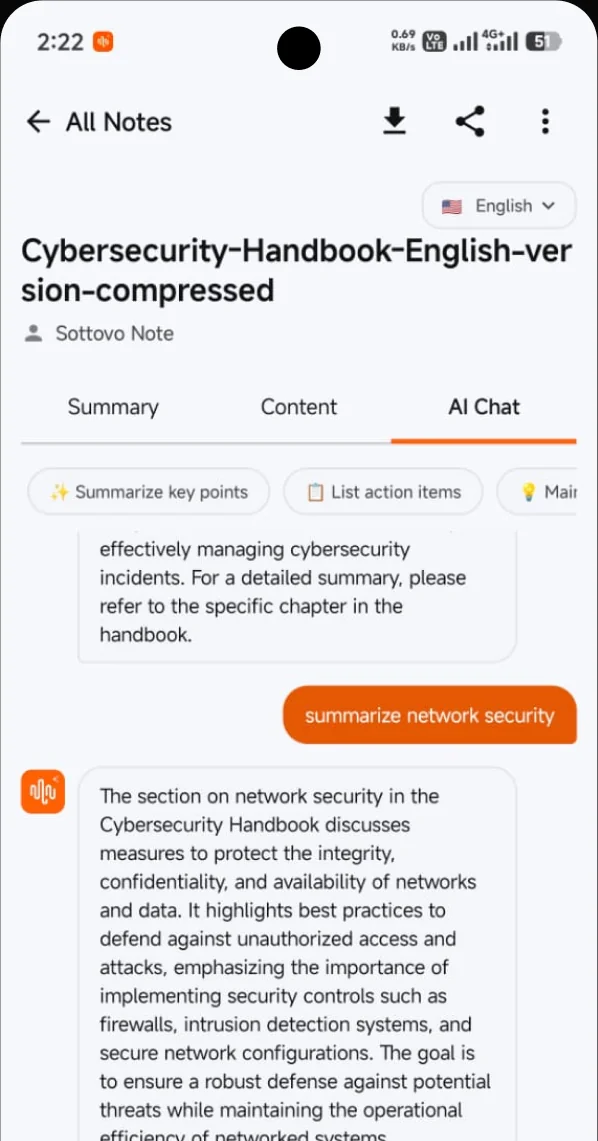
 AI Chat
 English ▾
Everything you say, organised
-
Record & transcribe
Record voice notes, lectures and in-person meetings, then get an automatic transcript.
-
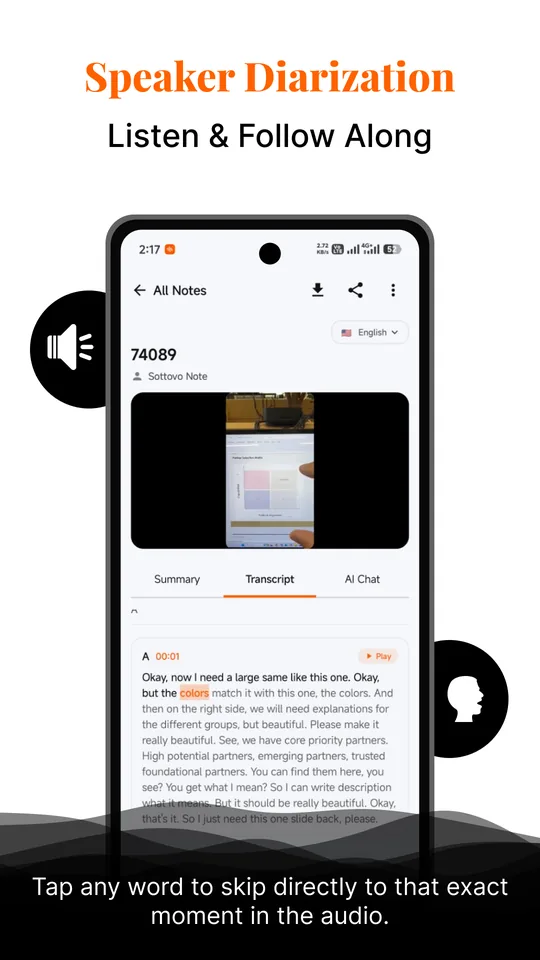
Who said what
Speaker identification separates who said what in a conversation with several people.
-
Tap to jump
Tap any word in the transcript to hear that exact moment in the audio.
-
AI summaries & minutes
Meeting minutes with the decisions, key discussion points and action items.
-
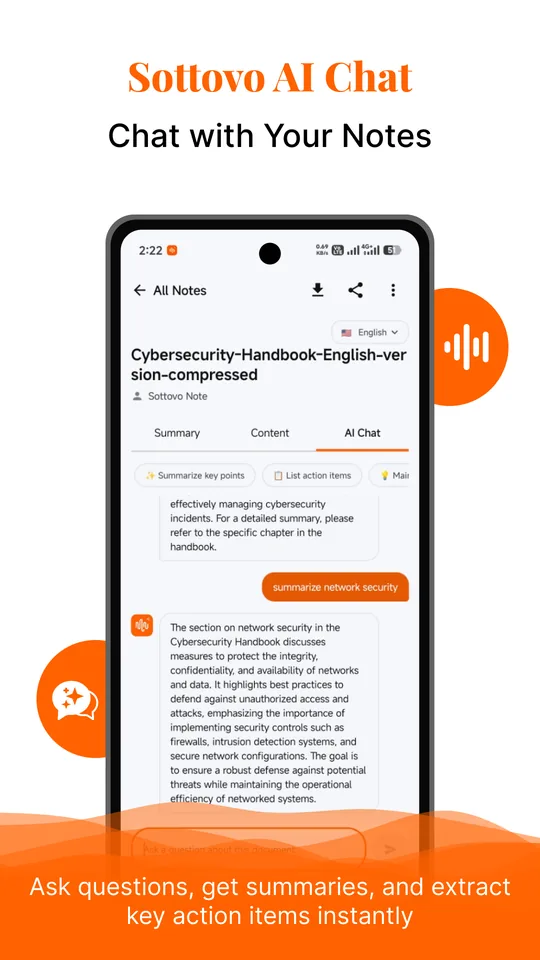
Chat with your notes
Ask questions about your notes in AI Chat and get answers drawn from them.
-
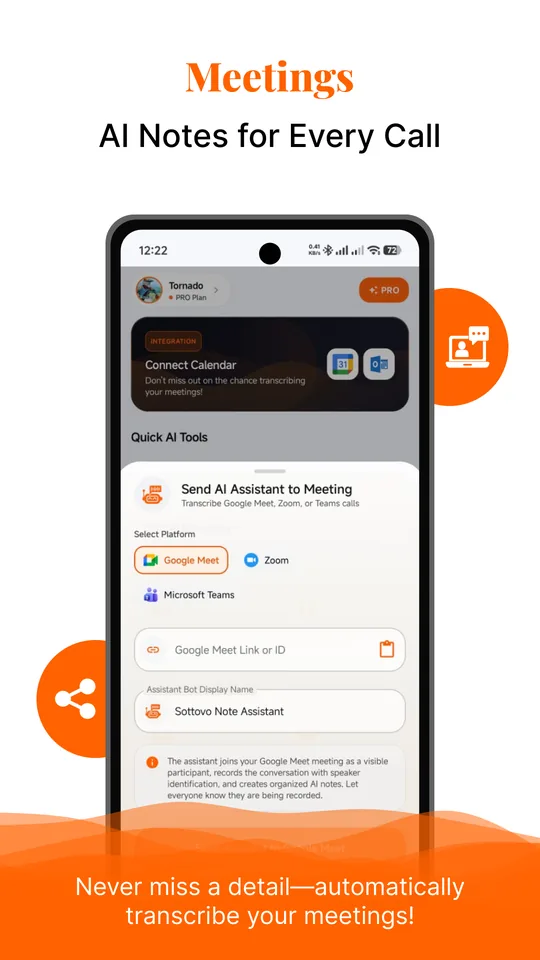
Meeting assistant
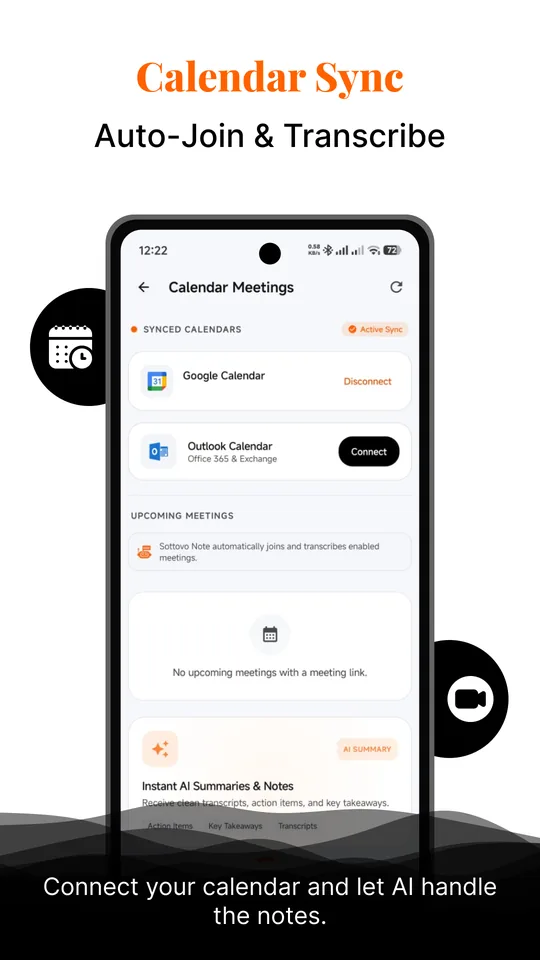
With Pro, send it to a Google Meet, Zoom or Microsoft Teams call. It joins as a visible participant, records the meeting and writes up the notes. Connect Google Calendar or Outlook to choose which meetings it joins.
-
Import audio, video & PDFs
MP3, WAV, M4A and AAC audio, MP4 and MOV video, YouTube links and PDFs. Or share a voice message in from WhatsApp or Telegram.
-
99 languages
Transcribe in 99 languages with the spoken language detected automatically. With Pro, translate any transcript or summary in one tap.
-
Export & share
With Pro, export any note to PDF, DOCX or plain text.


Made for people who talk for a living
-
Professionals
Client meetings, interviews and team calls.
-
Students
Lectures, seminars and revision notes.
-
Journalists & researchers
Interview transcripts with speaker labels and timestamps.


Your data
-
Never used to train AI
Audio goes to our transcription provider to be turned into text, and is never used to train AI models.
-
On your phone on the free plan
On the free plan, your notes stay on your device.
-
Encrypted cloud backup
Pro adds an encrypted cloud backup of your notes.
-
Delete anytime
Delete your account and everything in it from inside the app.


See the app in action
Frequently asked questions
Is Sottovo Note free?
Yes. Download it and use the free plan at no cost; on the free plan your notes stay on your phone. The Pro subscription adds unlimited transcription, AI summaries and chat (fair use applies), the meeting assistant, translation, export and an encrypted cloud backup. Google Play shows the prices in your currency, and you can cancel anytime in Google Play.
Which languages does it support?
It transcribes 99 languages and detects the spoken language automatically. Any transcript or summary can be translated into another language in one tap.
How does the meeting assistant work?
Paste a Google Meet, Zoom or Microsoft Teams link, or connect Google Calendar or Outlook and choose which meetings it should join. The assistant joins as a visible participant, records the call and writes up the notes afterwards. Please tell everyone on the call that they are being recorded.
Is my audio used to train AI?
No. Audio is sent to our transcription provider to be turned into text and is never used to train AI models. The privacy policy lists every service that processes your data.
How do I delete my account?
In the app, open Account and choose Delete account. This permanently deletes your notes, transcripts, summaries, recordings, AI chat history, cloud backup and connected calendars. You can also use the account deletion page.
Is there an iPhone app?
No. Sottovo Note is currently available for Android on Google Play.
Stop typing up your recordings.
Get Sottovo Note on Google Play.